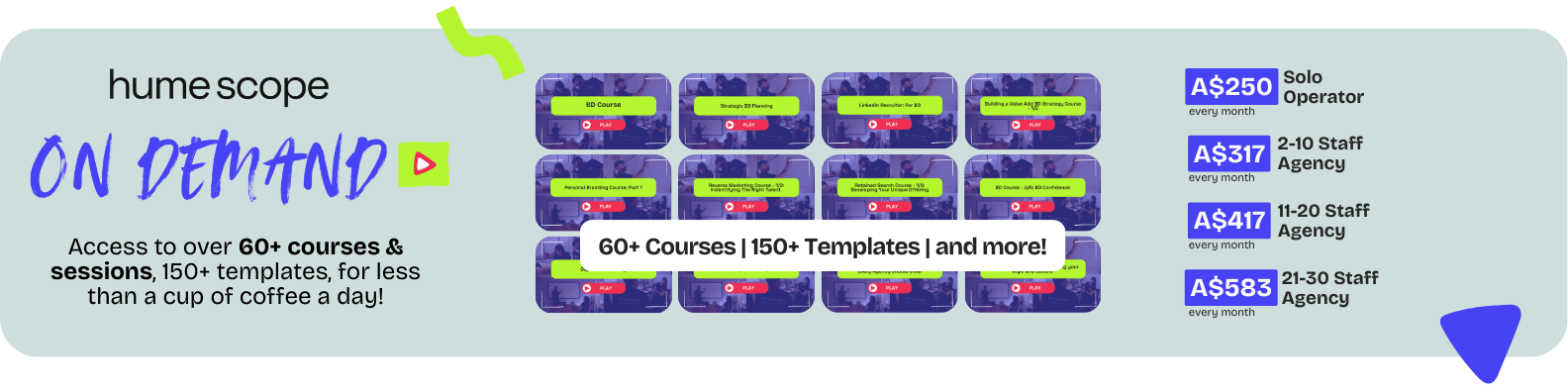
Get access to 60+ recruitment training sessions, practical templates and proven frameworks inside our On-Demand offering, built specifically for recruitment agency leaders and their teams.

How one agency went from 2,800 stale contacts to 13,000+ verified, coded leads — and what a five-day sprint could do for your desk.
Most agencies have a database. Very few have a database that actually works for them.
There is a big difference between having 3,000 contacts sitting in your CRM and having 13,000 verified, coded, relevant contacts you can market to confidently. One is a list. The other is a commercial asset.
Over the past few months, our CRM specialist Jen has been running a database rebuild project for a small group of clients. The results have been significant.
The problem
Agency databases tend to degrade over time in a few predictable ways:
The problem is not that the contacts are not there. The problem is that nobody has done the work to make the data usable.
The process
The project was methodical. No shortcuts. Here is the six-step process that produced the results.
Audit and archive
Full audit of the existing database. Contacts with invalid emails were archived rather than deleted — keeping history clean while removing bounces from active campaign lists.
Research and expand company coverage
For each target company, Jen mapped the full hiring team — identifying decision makers, hiring managers, department heads and HR contacts missing from the database entirely.
Email verification
Every new contact was run through email verification tools before being added. Only verified or highly probable addresses were imported to protect deliverability.
Tracing contacts who had moved
For contacts with outdated details, Jen tracked where they had moved to, updated their record and linked their new employer. Warm contacts are often the most valuable ones.
LinkedIn connection import
The client's LinkedIn connections were cross-referenced against the CRM. Relevant connections were imported, enriched and coded — turning a social list into a structured asset.
Coding for relevance
Every contact was coded by role type, seniority, sector, hiring activity and relevance. This is what turns a list into a database you can market to with precision.
One client moved from 2,800 contacts to over 13,000 coded, verified, relevant contacts. That is not just a bigger database. It is a fundamentally different commercial asset.
Email campaigns now reach a verified, segmented audience. Outreach is faster because consultants are not rebuilding research from scratch. One client went from 28% to 76% email open rate.
Take action
You do not need a full rebuild project to start seeing the benefit. This sprint gives you a clear picture of where your database stands and what quick wins are available right now.
The bigger picture
Mapped companies and contacts are ready to approach — no rebuilding research from scratch.
Segment by sector, seniority and hiring activity rather than guessing who to call.
Contacts are coded by what they are hiring for — reach the right people every time.
New consultants inherit a structured database rather than starting from scratch.
The agencies that treat their database as a commercial asset are the ones that compound performance over time. The ones that treat it as a contact list keep rebuilding the same ground.
The process is structured, practical and produces a database you can actually use. Happy to chat through what it could look like for your team.
Always happy to have a chat,
Ez
Get access to 60+ recruitment training sessions, practical templates and proven frameworks inside our On-Demand offering, built specifically for recruitment agency leaders and their teams.